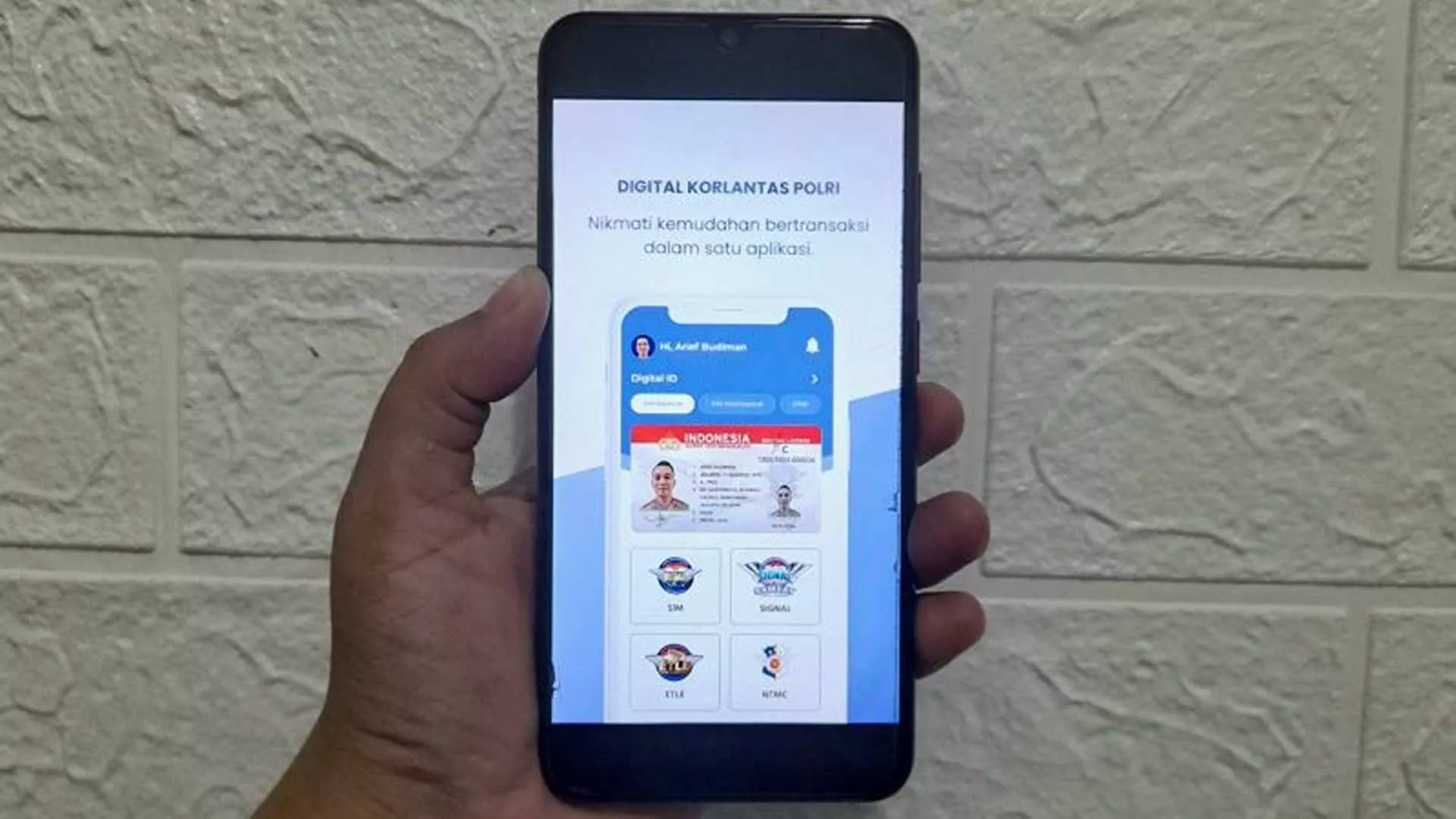
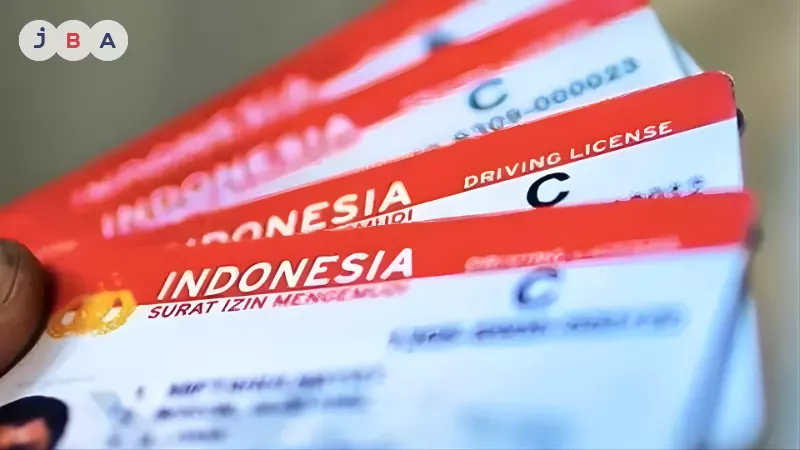
Renewing a SIM C online can be done through the Digital Korlantas POLRI application. This service is provided to make it easier for the public to fulfill the obligation of renewing a Driving License (SIM) before it expires.
Renewing a SIM C online is far more practical than visiting a Satpas office in person. The process is more flexible in terms of time, and you can upload documents and complete payments easily from anywhere. Through this article, you will find a complete guide on how to renew SIM C online, including the required documents, estimated costs, and the official procedures to ensure a smooth renewal process.
What Is the Online SIM C Renewal Service?
The online SIM C renewal service is an official facility from Digital Korlantas POLRI that allows SIM holders to renew their licenses without visiting a Satpas office directly. The entire process is carried out digitally through the application, starting from registration, data verification, health and psychological tests, payment, to delivery of the SIM to the applicant’s address.
Requirements for Online SIM C Renewal
Referring to official information from Digital Korlantas POLRI, before starting the online SIM C renewal process, you need to prepare several important documents to ensure smooth verification.
- Your existing and still-valid SIM C
- A valid e-KTP for identity verification
- Results of a physical health test conducted by a doctor and recorded online via the official platform erikkes.id
- Results of a psychological test obtained through the epPsi application or via https://app.eppsi.id/
- A recent passport photo with a blue background (not a selfie)
- A photo of your signature on plain white paper using thick, clear ink
Make sure all uploaded documents are clear, not blurry, and easy to read. Complete and high-quality documents are crucial to speed up verification and avoid rejection by SATPAS.
How to Renew SIM C Online: Requirements, Fees, & Tips for Faster Approval!
Sumber: pelopor.id
SIM C renewal can now be completed online through the Digital Korlantas POLRI application, as long as your SIM is still valid. Below are the complete steps you need to follow.
1. Download the Application and Register
The first step in renewing SIM C online is downloading the official Digital Korlantas POLRI application.
- Download the Digital Korlantas POLRI application from Google Play Store (Android) or App Store (iOS).
- Register using an active mobile phone number.
- Enter the OTP code sent via SMS.
- Create a PIN and confirm it to secure your account.
2. Complete and Verify Your Profile
After successful registration, complete your profile so the account can be used for SIM renewal.
- Go to the Profile menu and fill in details such as NIK, full name, and email address.
- An activation email will be sent to confirm your account.
- Complete the e-KTP verification using the photo liveness method as instructed by the application. Make sure your face is clearly visible with adequate lighting, without wearing a mask, glasses, or a hat, and stand in front of a plain background to ensure the verification process runs smoothly.
Before submitting your renewal request, prepare the following supporting documents:
- e-KTP
- Photo of your existing SIM C
- Blue-background passport photo (not a selfie)
- Photo of your signature on plain white paper
3. Complete Physical and Psychological Tests
Health checks are mandatory for online SIM C renewal.
- Access erikkes.id via your mobile browser to complete the physical health test (Rikkes). The cost follows the pricing policy of the clinic you choose.
- Take the psychological test via app.eppsi.id, with a test fee of IDR 37,500 according to applicable regulations.
- Make sure to save proof of both test results.
4. Submit the Online SIM C Renewal Application
Once all data and test results are complete, proceed with the application.
- Open the SIM menu and select SIM Renewal.
- Upload all required documents.
- Choose the issuing SATPAS according to your domicile or preference.
- Enter a refund bank account number, which will be used if the application is rejected due to incomplete or invalid documents.
To avoid rejection, make sure all uploaded documents are clear, not blurry, and easy to read. Good document quality will help streamline the data verification process and reduce the risk of rejection by SATPAS.
5. Choose SIM Delivery or Pickup Method
At this stage, you can decide how you want to receive your renewed SIM C.
- Home delivery via Pos Indonesia: Enter your full and correct delivery address.
- Pickup at SATPAS: Visit the selected SATPAS during its operational hours.
6. Make the Payment
Select the available payment method.
- Click View Account Number and complete the payment via BNI Virtual Account.
- After payment, regularly check the transaction status through the Transactions menu in the application.
7. Wait for Processing and Receive Your New SIM C
The online SIM C renewal process generally takes 3–7 working days, depending on the queue at the SATPAS.
- Processing time may be longer during peak periods (excluding delivery time).
- SATPAS operational hours: Monday–Saturday, 08:00–15:00 WIB.
- Applications submitted after 15:00 WIB will be processed on the next working day.
After receiving your SIM:
- Fill out the customer satisfaction index in the application.
- Click the Update button so your new SIM is officially recorded and digitally stored.
Estimated Cost of Online SIM C Renewal
The cost of renewing SIM C online refers to Government Regulation No. 76 of 2020 concerning the Types and Tariffs of Non-Tax State Revenue (PNBP).
1. Official SIM C Renewal Fee
- SIM C renewal fee: IDR 75,000
- This amount is the official state tariff for SIM C renewal and does not include:
- Service administration fees
- Document packaging fees
- SIM delivery fees from SATPAS to the applicant’s address (if home delivery is selected)
2. Additional Costs to Prepare
In addition to the PNBP fee, applicants should also prepare funds for supporting services, including:
- Psychological test: IDR 37,500 (conducted through official services such as epPsi)
- Physical health test: The cost varies depending on the clinic or healthcare provider chosen and may differ by location
SATPAS Offices Serving Online SIM C Renewal
Below is a list of SATPAS offices that currently accept online SIM C renewal applications:
Jabodetabek & West Java
- Dirlantas Daan Mogot
- Polres Depok Margonda
- Polres Tangerang Selatan
- Polres Metro Tangerang Kota
- Polres Metro Bekasi Kota
- Polres Metro Bekasi
- Polres Karawang
- Polresta Bogor Kota
- Polresta Bandung
- Polrestabes Bandung
- Polres Tasikmalaya Kota
- Polres Banyumas
- Polres Pemalang
Central Java & Yogyakarta (DIY)
- Polrestabes Semarang
- Polresta Surakarta
- Polresta Kebumen
- Polresta Yogyakarta
East Java & Bali
- Polrestabes Surabaya
- Polresta Sidoarjo
- Polres Gresik
- Polres Malang
- Polres Jombang
- Polres Tulungagung
- Polresta Banyuwangi
- Polres Jembrana, Bali
- Polres Denpasar
Sumatra
- Polrestabes Medan
- Polresta Padang
- Polresta Bengkulu
- Polresta Palembang
- Polresta Jambi
- Polresta Pekanbaru
- Polresta Bandar Lampung
- Polresta Pangkal Pinang
Kalimantan
- Polresta Pontianak Kota
- Polresta Banjarmasin
- Polresta Palangka Raya
- Polresta Balikpapan
- Polresta Samarinda
- Polres Bulungan
Sulawesi
- Polrestabes Makassar
- Polres Kendari
- Polres Gorontalo Kota
- Polresta Mamuju
- Polresta Manado
- Polres Palu
Nusa Tenggara & Eastern Indonesia
- Polresta Mataram
- Polres Kupang Kota
- Polresta Ambon
- Polres Ternate
- Polresta Jayapura Kota
- Polres Sorong Kota
If Your Preferred SATPAS Is Not Available
If the SATPAS you prefer is not listed above, you can still proceed with the online SIM C renewal process by selecting another available SATPAS and choosing the delivery option via Pos Indonesia. With this option, the issued SIM will be sent directly to your designated address.
Understanding how to renew SIM C online, along with its procedures and requirements, helps ensure you continue riding safely and in compliance with regulations. Maintaining valid driving credentials is essential, especially for motorcycle users who are active on the road.
Once your SIM is active and ready to use again, it may also be a good time to consider a motorcycle to support your daily mobility. If you are looking for a used motorcycle, JBA Indonesia offers online and offline motorcycle auctions with a secure and transparent process as a professional auction house.
For further information about auction schedules or procedures, feel free to contact us via WhatsApp at +62 817-0993-078. Don’t forget to follow all official JBA social media accounts to stay updated with the latest information.





 ?
?